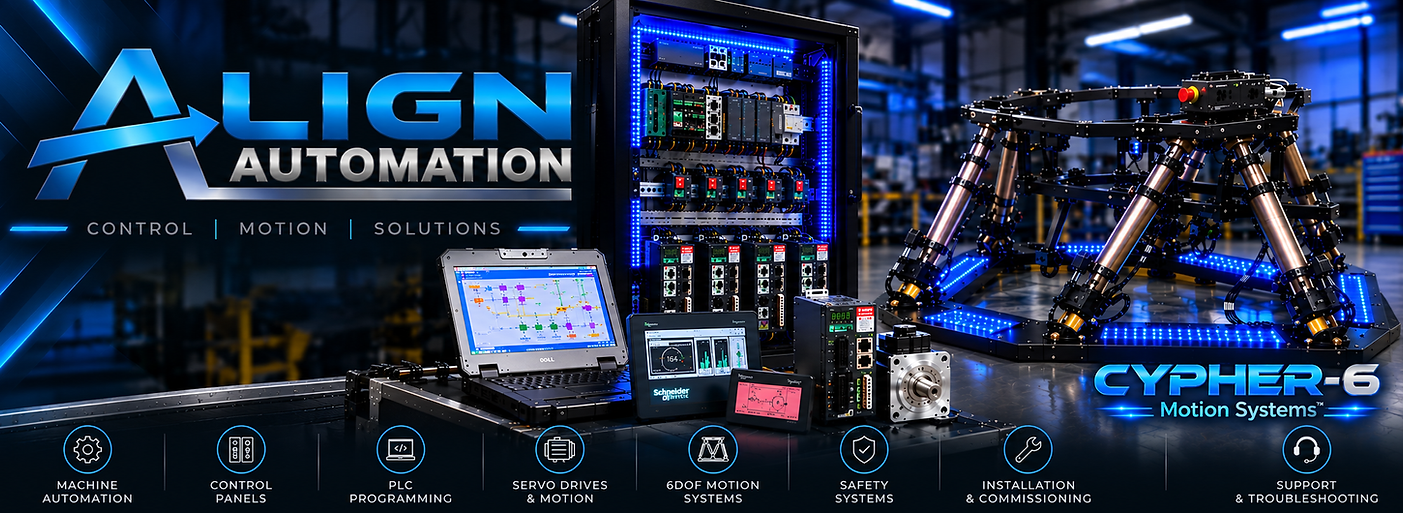
6DOF MOTION PLATFORM


-
Hexapod Platforms
-
Stewart Platforms
-
Flight simulator
-
Helicopter simulator
-
Flight training and demonstration systems
-
Virtual Reality (VR) Simulator
-
6DOF Motion Platform
FLIGHT SIMULATION
DEMO 1

ROCKET NO LIMITS 2 ROLLERCOASTER
THIS PAGE IS CURRENTLY UNDER DEVELOPMENT
We are continuing to develop and expand our flight simulation demonstrations, including new 6DOF motion platform videos and application examples.
Microsoft Flight Simulator (MSFS 2024) or DCS World
-
The Choice: Microsoft Flight Simulator (MSFS) for general aviation/airliners, or DCS World if you want high-octane military combat.
-
Why it's the pinnacle: Flight simulation is where 6-DOF platforms truly flex their muscles, particularly regarding heave (vertical acceleration/turbulence) and yaw (coordinated turns and crosswinds). MSFS provides stunning visual fidelity for a landing page, while DCS World offers brutal, high-G military flight modeling that will violently test the limits of your actuators.
FLIGHT SIMULATION
DEMO 2

REBELS RUN NOLIMITS 2 ROLLERCOASTER
X-Plane 12 – Helicopter Simulation
X-Plane 12 provides a detailed helicopter flight environment for demonstrating the 6DOF platform's response to changes in aircraft attitude, altitude, speed and direction.
Helicopter flight creates a distinctive combination of pitch, roll, yaw, heave, surge and sway, allowing the platform to respond to hovering, acceleration, turns, climbs, descents and changes in collective input.
The simulation demonstrates how real-time flight data can be translated into coordinated physical motion for an immersive helicopter flight experience.
FLIGHT SIMULATION
DEMO 3

HYDRIS WIDESCREEN NO LIMITS 2 ROLLERCOASTER
DCS World – Fighter Jet Simulation
DCS World provides a highly dynamic fighter-jet simulation for demonstrating the 6DOF platform under rapid changes in aircraft attitude, speed and acceleration.
High-G turns, climbs, descents, braking and aggressive manoeuvres generate complex motion cues across pitch, roll, yaw, heave, surge and sway.
The demonstration shows how real-time flight simulation data can be translated into coordinated physical movement, creating an immersive environment for high-performance fighter aircraft simulation.
Easy Touchscreen Control
for Your Simulator

Easy Touchscreen Control for Your Simulator
No more messing with keyboards or complicated computer setups inside the cockpit, everything is controlled right from a simple touch screen.
When you tap a custom button or check a status light on any of the touch screen panels, it talks straight to the simulator’s main computer, instantly triggering your software. This means you can control all your simulator settings, menus, and shortcut commands directly from an easy-to-use display without needing a keyboard.
We can also hook up complex controls—including multiple joysticks, throttles, and pedals (Multi-HOTAS) combined seamlessly using vJoy virtual drivers—so older or picky games recognize all your gear as one smooth, unified system. Plus, you can easily add extra touch screens around the cockpit whenever you want multiple displays to monitor your session.